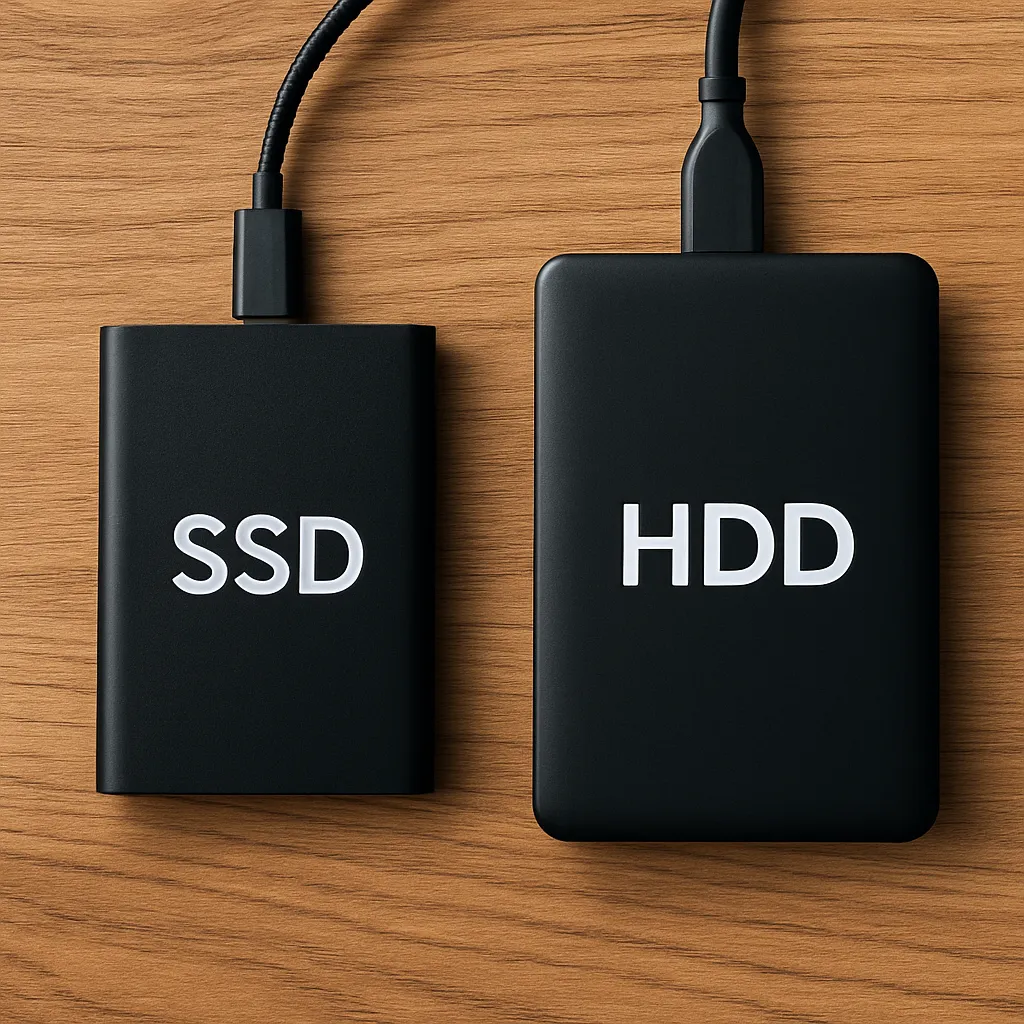
Understanding the Difference Between SSD and HDD External Hard Drives for Everyday Use
Disclosure: This post contains affiliate links. LaptopVoyager.com participates in the Amazon Associates Program and may earn commissions on qualifying purchases, at no extra cost to you.
Last Updated: November 2025
External drives may look similar from the outside, but what’s inside makes all the difference. Whether you’re backing up your laptop, storing photos, or transferring big project files, knowing how SSD and HDD external drives operate helps you pick the right one for your needs.
👉 If you’re checking your own laptop’s storage type, here’s a simple guide on how to check if your laptop has an SSD or HDD.
🔍 How SSD and HDD Technology Works
External HDDs rely on a spinning magnetic disk and a moving read/write arm.
External SSDs store data on flash memory chips with no moving parts.
This difference affects everything—from speed and durability to noise and longevity.
🔍 Speed Differences
SSDs are significantly faster. File transfers, backups, and large folder moves feel instant, and working directly off the drive is smooth.
HDDs are slower but perfectly fine when you just need storage space and speed isn’t a priority.
If you move large video, photo, or game files, SSDs save a ton of time.
🔍 Durability and Reliability
No moving parts means SSDs handle travel, bumps, and everyday use easily.
HDDs are more fragile—drops or sudden movement while the disk is spinning can cause data loss.
If you carry your drive around, SSDs hold up far better.
🔍 Storage Capacity and Price
HDDs win on cost. They offer much more storage per dollar and are available in very large sizes.
SSDs cost more but offer better speed and long-term durability.
Choose based on what matters most: speed or capacity.
🔍 Noise, Heat, and Power
SSDs run silent, stay cooler, and use less power—great for USB-powered setups.
HDDs make light spinning and clicking sounds and tend to warm up during long transfers.
🔍 Best Use Cases for Each Type
Choose an external SSD if you:
- Transfer large files daily
- Travel or work away from your desk
- Do video or photo editing
- Need fast, quiet backups
- Want better durability
Choose an external HDD if you:
- Need the most storage for the lowest price
- Want a long-term backup solution
- Store huge files you rarely access
📌 Key Takeaways
- SSDs are much faster and better for daily use.
- HDDs offer the highest capacity at the lowest price.
- SSDs handle travel and bumps more reliably.
- HDDs are slower, noisier, and more fragile, but ideal for large backups.
- Pick SSD for speed; pick HDD for budget-friendly capacity.
🟢 FAQs
Q: Are SSD external drives better for gaming or large transfers?
Yes. SSDs transfer files much faster and feel more responsive when moving game libraries or big folders.
Q: Which lasts longer — SSD or HDD?
SSDs usually last longer because they don’t rely on mechanical parts.
Q: Are HDDs still good for backups?
Definitely. If you want cheap, high-capacity storage, HDDs are still the best value.
Q: Will my laptop support either type?
Yes—almost all laptops support external SSDs and HDDs through USB or USB-C.
✅ Conclusion
Both SSD and HDD external drives have their place. SSDs are fast, durable, and ideal for everyday use or travel, while HDDs provide large storage at a much lower cost. Choosing the right one depends on whether you prioritize speed or capacity.