Laptop Ergonomics Setup for Desk Work – How to Position Your Laptop for Better Comfort
Disclosure: This post contains affiliate links. LaptopVoyager.com participates in the Amazon Associates Program and may earn commissions on qualifying purchases, at no extra cost to you.
Last Updated: April 2026
Working on a laptop at a desk often leads to awkward positioning because the screen and keyboard are fixed together. This can make it harder to maintain a comfortable posture during long sessions.
A proper laptop ergonomics setup separates screen height, typing position, and input devices. This allows each part of your workspace to be adjusted based on common ergonomic guidelines.
👉 For a broader overview, see our guide to laptop ergonomics and posture
This guide explains how to set up your laptop for desk work using positioning, accessories, and layout adjustments.
📌 Key Takeaways
- Raising the screen to eye level helps support a neutral neck position
- External keyboards and mice improve typing and arm alignment
- Desk height and chair position affect overall posture
- A balanced setup separates screen and input positioning
🔍 Start with Screen Height and Position
Screen height is one of the most important parts of an ergonomic setup. Laptop screens are typically too low when placed directly on a desk.
General recommendations suggest:
- The top of the screen should be at or slightly below eye level
- The screen should be about an arm’s length away
- The viewing angle should allow a slight downward gaze
👉 For detailed positioning, see laptop screen height for proper posture
According to workstation guidelines, aligning the screen properly helps reduce neck strain during extended use.
🔍 Use a Laptop Stand for Elevation and Stability
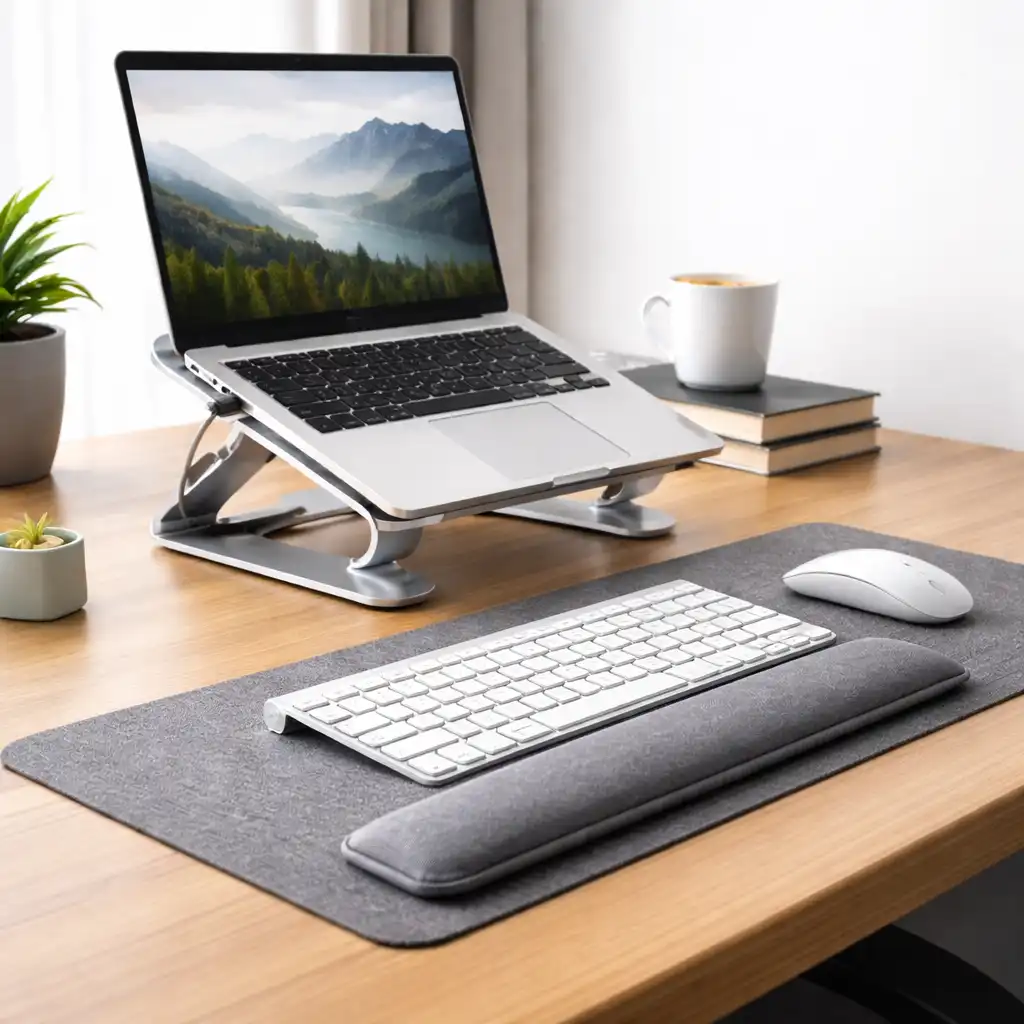
A laptop stand is commonly used to raise the screen to a more comfortable height. Based on specifications, most stands are designed to improve viewing angle and airflow while keeping the device stable.
Key features to consider:
- Adjustable height for better alignment
- Stable base to reduce movement during typing
- Minimal tilt when used with an external keyboard
This setup allows the screen to be positioned independently from your hands, which is essential for desk ergonomics.
🔍 Add an External Keyboard and Mouse
Using external input devices is a core part of most ergonomic setups. This allows you to keep your hands at a lower, more natural position while the screen stays elevated.
A typical setup includes:
- Keyboard positioned at elbow height
- Mouse placed close to reduce shoulder reach
- Wrists kept in a neutral, flat position
According to common workstation design principles, separating input devices from the display helps improve alignment across wrists, shoulders, and neck.
🔍 Adjust Desk Height and Seating
Your desk and chair setup directly affect how your arms and wrists align with the keyboard.
Recommended positioning:
- Elbows at roughly a 90-degree angle
- Forearms parallel to the floor
- Feet flat on the ground or a footrest
These adjustments help create a stable base for typing and reduce unnecessary strain.
🔍 Optimize Layout for Comfort and Efficiency
A well-organized desk setup helps maintain consistent positioning throughout the day.
Consider:
- Keeping frequently used items within easy reach
- Placing the monitor or laptop directly in front of you
- Avoiding excessive twisting or leaning
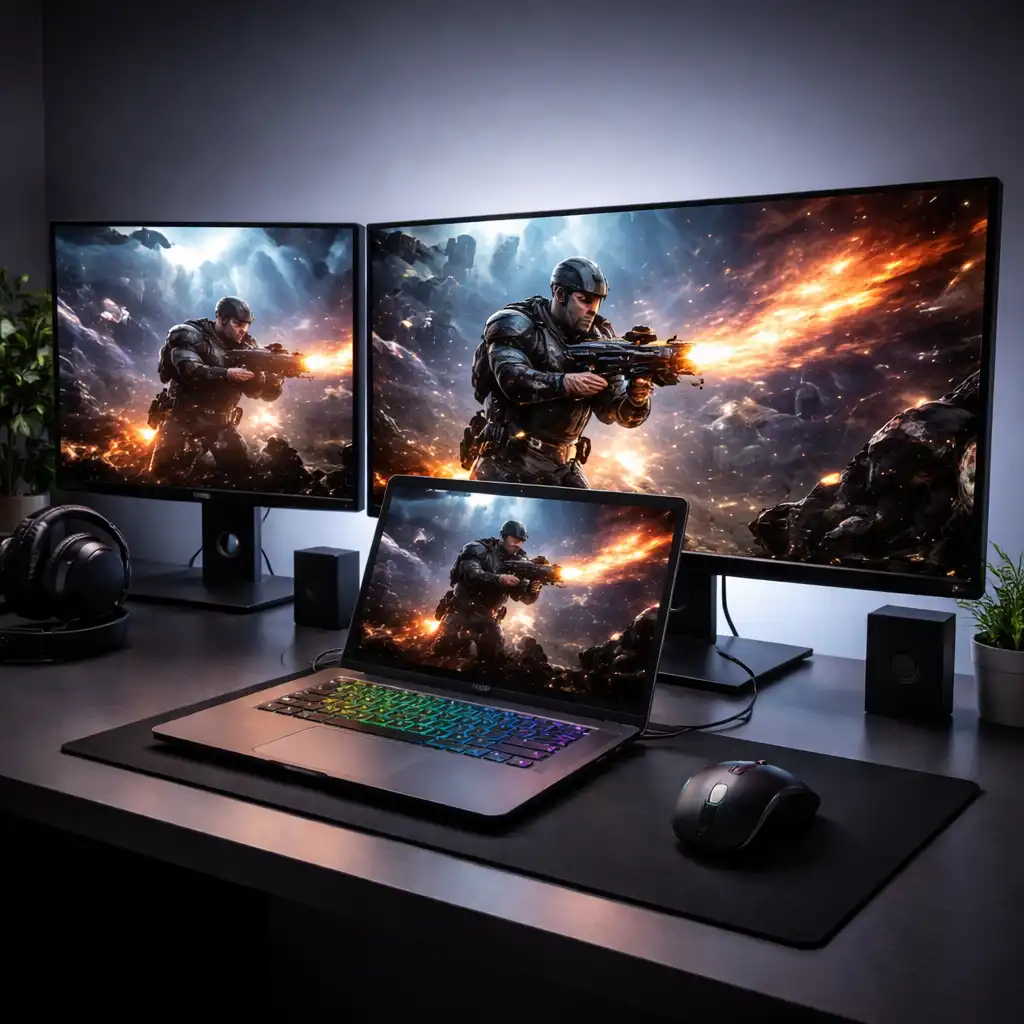
If you use multiple screens, positioning them correctly can help reduce unnecessary head movement.
🔍 Balance Portability and Ergonomics
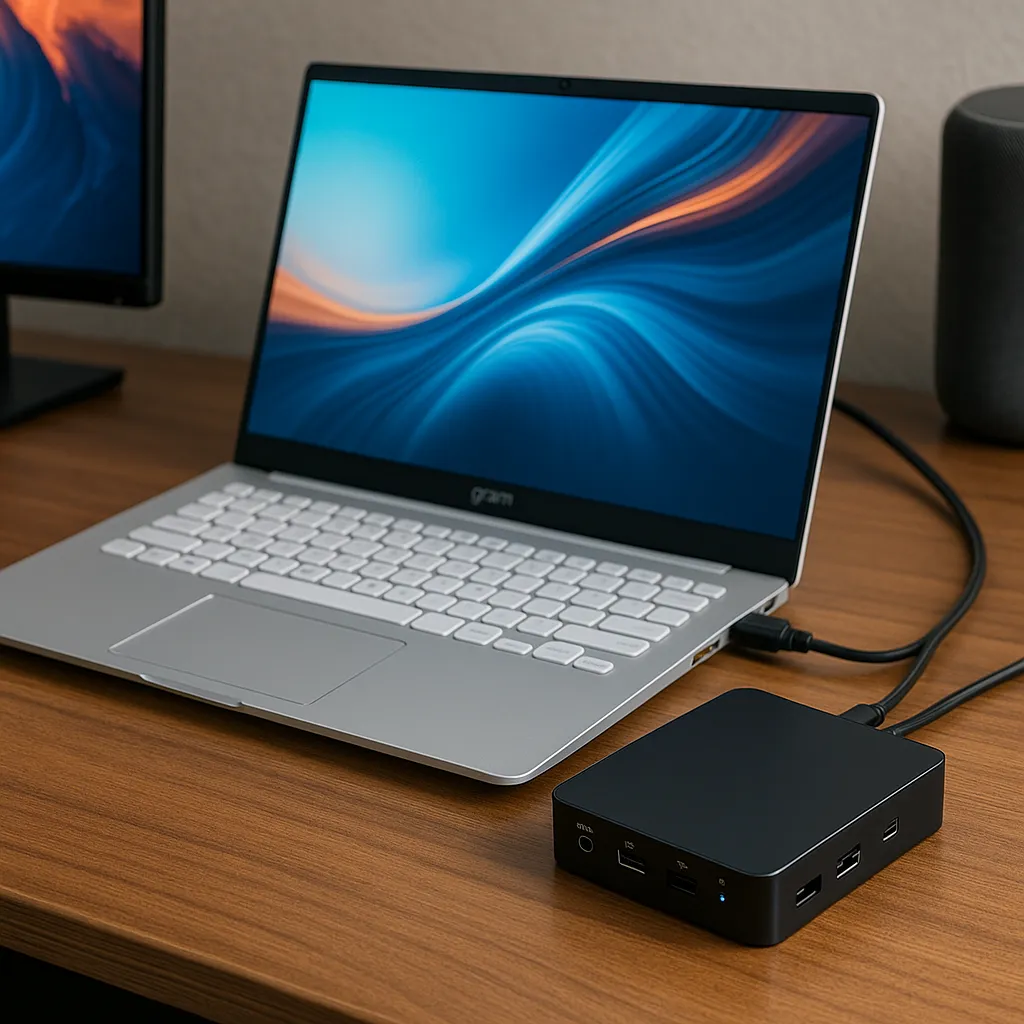
Laptop setups are often used because of their portability, but desk work benefits from a more fixed arrangement.
Laptop-only setup:
Better for short sessions and mobility, but limited in adjustability.
Full desk setup (stand + keyboard + mouse):
Designed for longer sessions where positioning and comfort are more important.
According to ergonomic guidelines, setups that allow independent adjustment of each component provide more flexibility for maintaining a neutral posture.
🟢 FAQs
Q: Do I need a laptop stand for desk work?
A stand helps raise the screen to eye level, which supports better viewing position during extended use.
Q: Can I use a laptop without external accessories?
Yes, but positioning options are limited compared to a full ergonomic setup.
Q: What is the ideal desk height for laptop use?
Desk height should allow your elbows to stay at about a 90-degree angle with forearms parallel to the floor.
Q: Is an external keyboard necessary?
It’s not required, but it helps improve hand positioning when the laptop is elevated.
✅ Conclusion
A laptop ergonomics setup for desk work focuses on separating screen height from typing position. Based on workstation design principles, combining a stand, external keyboard, and proper desk positioning helps support a more balanced posture.
Small adjustments to layout and positioning can make a significant difference in comfort during long work sessions.