Laptop vs External Monitor for Posture – Which Setup Supports Better Ergonomics?
Disclosure: This post contains affiliate links. LaptopVoyager.com participates in the Amazon Associates Program and may earn commissions on qualifying purchases, at no extra cost to you.
Last Updated: April 2026
Choosing between a laptop screen and an external monitor isn’t just about display size. It also affects how you position your screen, your posture, and how comfortable your setup feels over time.
Laptop screens are fixed to the keyboard, while external monitors allow more flexibility in positioning. This difference plays a key role in how easily you can maintain a neutral and balanced posture during desk work.
👉 For a full posture overview, see our guide to laptop ergonomics and posture
This guide explains how each option impacts posture and which setup makes more sense based on typical desk use.
📌 Key Takeaways
- External monitors allow independent screen positioning for better posture
- Laptop screens limit flexibility due to fixed keyboard placement
- Proper screen height is essential for reducing neck strain
- The best setup depends on your workspace and usage habits
🔍 Laptop Screens and Posture Limitations
Laptop screens are attached to the keyboard, which creates a fixed viewing angle and height. This often forces a compromise between screen position and typing comfort.
In most cases:
- Lower screen position → better typing posture, more neck bending
- Higher screen position → better viewing angle, awkward wrist position
According to ergonomic workstation guidelines, this limitation can make it harder to maintain a neutral posture during extended use.
🔍 External Monitors and Screen Positioning
External monitors are separate from the keyboard, which allows you to position the display independently. This makes it easier to align the screen with your natural eye level.
Typical advantages include:
- Adjustable height and angle
- Larger screen size for improved visibility
- More flexibility in desk layout
Based on manufacturer design and workstation recommendations, aligning the top of the screen near eye level helps support a more neutral head and neck position.
🔍 Laptop + Monitor Setup: Best of Both Options
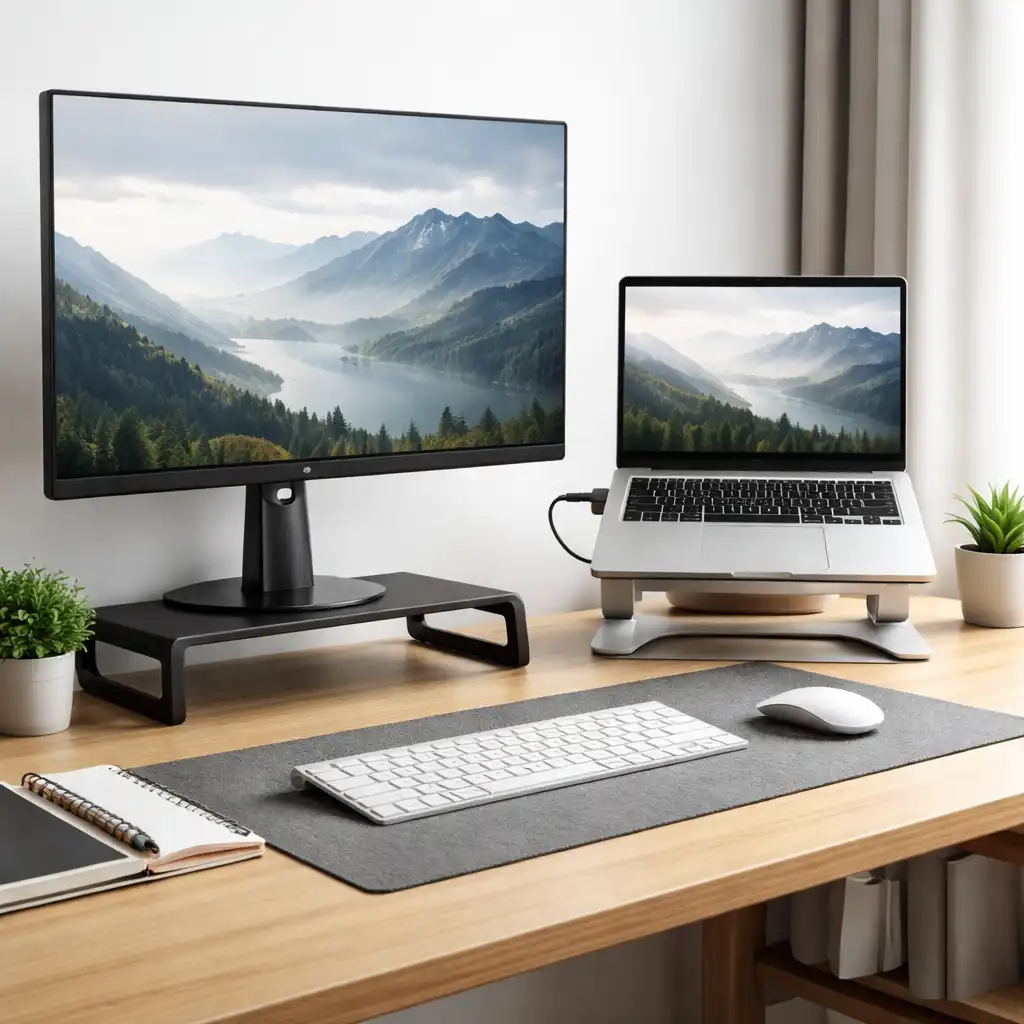
Many users combine a laptop with an external monitor to balance portability and ergonomics. In this setup, the external monitor becomes the primary display, while the laptop acts as a secondary screen.
This setup typically includes:
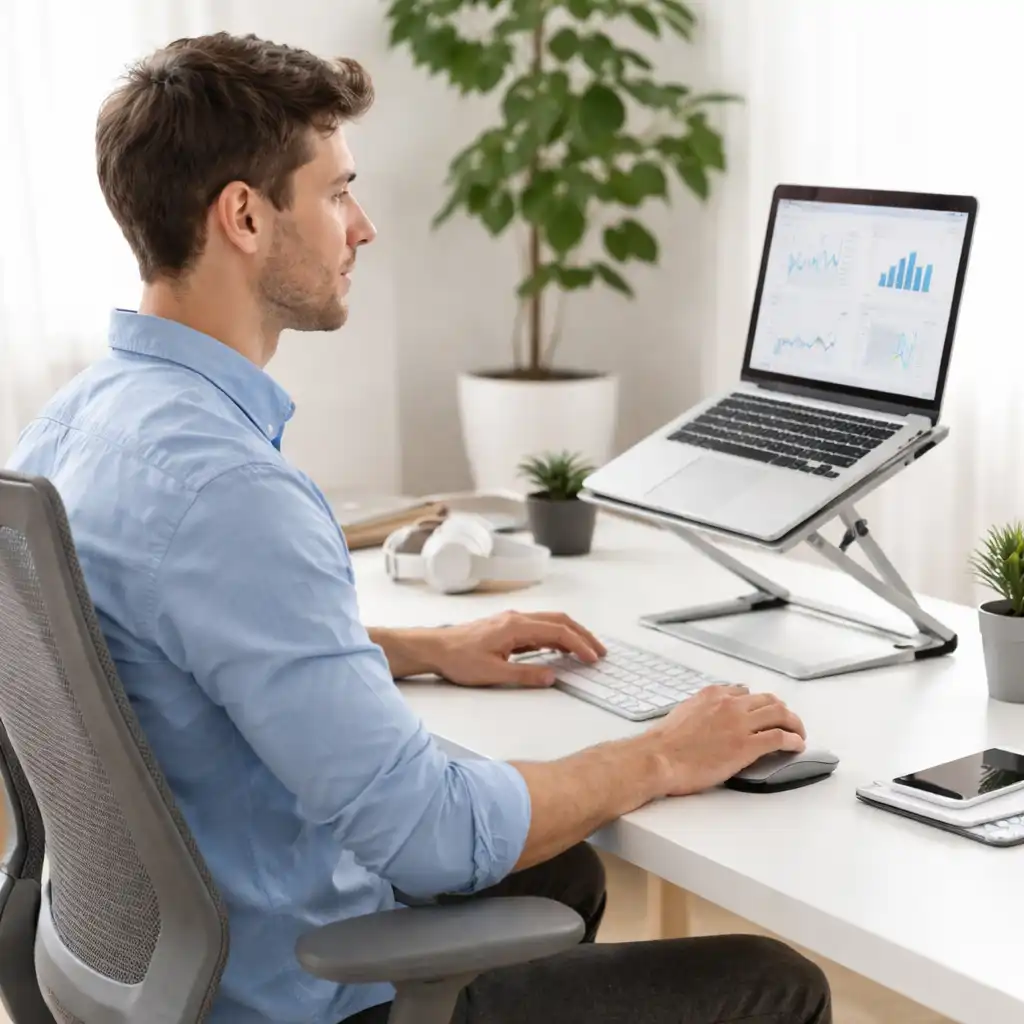
- External monitor at eye level
- Laptop placed to the side or below
- External keyboard and mouse for input
👉 To improve positioning further, see external keyboard for laptop ergonomics
Separating the display and input devices allows each component to be positioned more comfortably, which is a key principle in ergonomic workstation design.
🔍 Screen Height and Viewing Angle
Regardless of whether you use a laptop or monitor, screen height plays a major role in posture.
General guidelines suggest:
- The top of the screen should be at or slightly below eye level
- The screen should be about an arm’s length away
- The viewing angle should allow a slight downward gaze
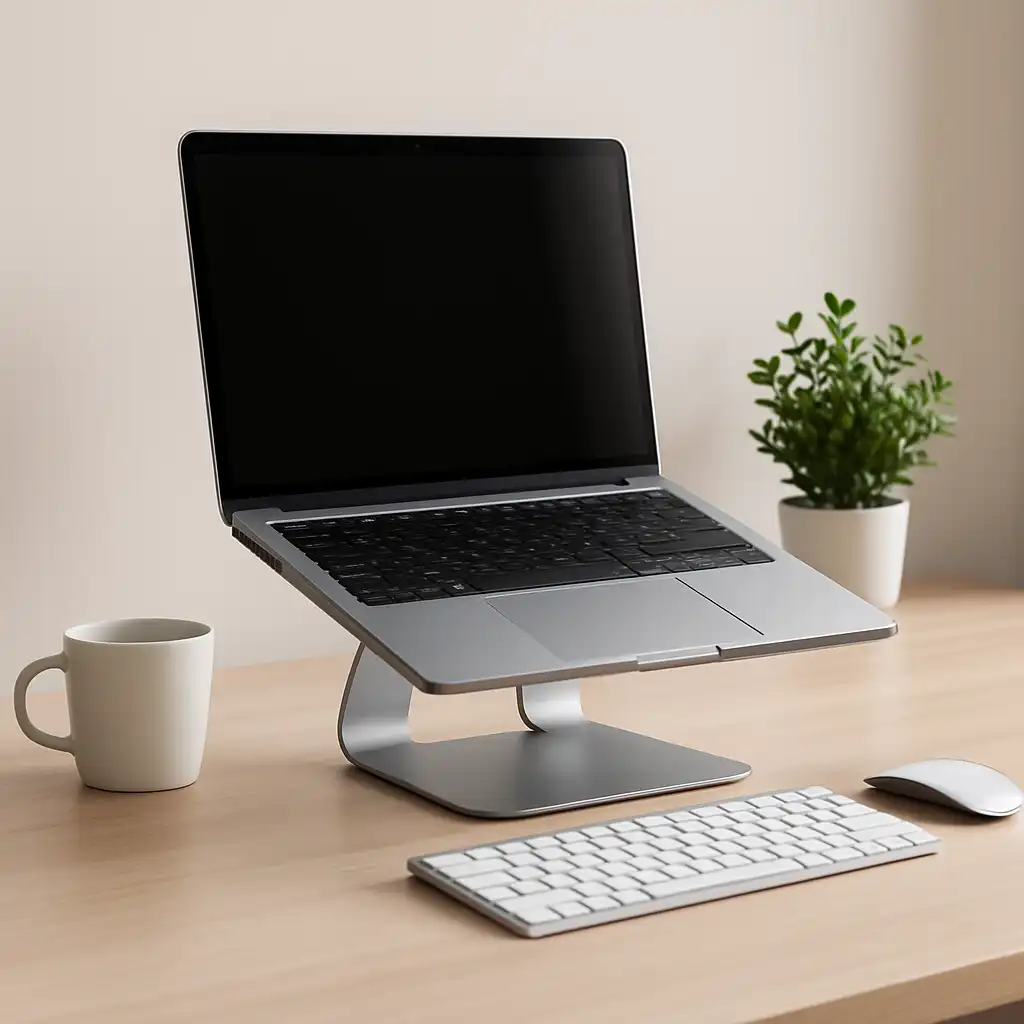
External monitors typically make these adjustments easier due to their adjustable stands or compatibility with monitor arms.
🔍 Space and Setup Considerations
While external monitors improve flexibility, they require more desk space and additional equipment.
Consider:
- Desk size and layout
- Portability needs
- Cable management and connectivity
Laptop-only setups are more compact and portable, while monitor setups are designed for stationary desk environments.
🔍 Which Option Is Better for Posture?
Neither option is universally better—it depends on how you use your setup.
Laptop only:
Suitable for short sessions or mobile use, where portability matters more than adjustability.
External monitor:
Better for desk-based work where screen positioning and long-term comfort are priorities.
Laptop + monitor:
A balanced solution that combines flexibility, screen space, and ergonomic positioning.
According to ergonomic principles and workstation design recommendations, setups that allow independent adjustment of screen and input devices generally provide more flexibility for maintaining a neutral posture.
🟢 FAQs
Q: Is an external monitor better for posture than a laptop screen?
External monitors allow more flexible positioning, which can help support a more neutral posture during desk use.
Q: Can I improve posture using only a laptop?
Yes, but adjustments are limited due to the fixed screen and keyboard position.
Q: Do I need a stand with an external monitor?
Many monitors include adjustable stands, but additional mounts or arms can improve positioning.
Q: Should I use both a laptop and a monitor?
This setup is commonly used to increase screen space while improving flexibility in positioning.
✅ Conclusion
Both laptop screens and external monitors can be used in ergonomic setups, but they offer different levels of flexibility. Based on workstation design principles, external monitors make it easier to position the screen independently, which helps support better posture during extended desk use.
Choosing the right option depends on your workspace, usage habits, and how much adjustability you need.