Laptop Processor Guide: CPUs, Cores, Speed & Performance
Disclosure: This post contains affiliate links. LaptopVoyager.com participates in the Amazon Associates Program and may earn commissions on qualifying purchases, at no extra cost to you.
Last Updated: September 2026
The processor is one of the most important components in a laptop. It handles instructions from the operating system and applications while influencing responsiveness, multitasking, power efficiency, and performance in demanding workloads.
Modern laptops use processors from Intel, AMD, Apple, and Qualcomm, with significant differences in architecture, core counts, clock speeds, integrated graphics, and efficiency.
This guide explains the main laptop processor concepts and connects you to more detailed comparisons, performance guides, and buying advice.
📌 Key Takeaways
- CPU architecture matters: Modern laptops use both x86 and ARM-based processors.
- More cores can improve demanding workloads: The benefit depends on how well the software uses multiple cores.
- GHz isn’t the only measure of performance: Architecture, core design, cache, power limits, and cooling also matter.
- The processor affects more than raw speed: Battery efficiency, integrated graphics, AI capabilities, and thermals can also depend on the processor platform.
- Laptop CPUs usually aren’t upgradeable: Most modern processors are soldered directly to the motherboard.
- The right processor depends on workload: Everyday computing, gaming, content creation, and professional applications have different requirements.
🔍 What Is a Laptop Processor?
A laptop processor, also called a CPU or central processing unit, executes instructions and performs calculations required by software and the operating system.
The processor works alongside components such as RAM, storage, and the GPU. For a more detailed introduction, see What Is a Laptop Processor?.
🔍 How Much Does the CPU Affect Laptop Performance?
The CPU can influence application responsiveness, multitasking, calculations, code compilation, media processing, and other processor-intensive workloads.
However, overall laptop performance also depends on RAM, storage, graphics hardware, cooling, and software. Our guide to Does CPU Affect Laptop Speed? explains where processor performance makes the biggest difference.
🔍 Understanding CPU Cores
A processor core can independently process instructions. Modern laptop CPUs typically contain multiple cores, allowing workloads to be distributed across several processing resources.
More cores can be useful for rendering, video editing, development, and heavy multitasking, but additional cores don’t automatically make every application faster.
See How Many Cores Do You Need in a Laptop? for workload-specific guidance.
You can also compare 6-Core vs 8-Core Laptops to understand where additional cores may be useful.
🔍 What Does GHz Mean on a Laptop?
Gigahertz (GHz) describes a processor’s clock frequency. A higher clock speed means the processor completes more clock cycles per second, but it shouldn’t be used alone to compare CPUs from different architectures or generations.
Factors such as instructions per clock, core design, cache, power limits, and thermal conditions also influence performance.
Our What Does GHz Mean on a Laptop? guide explains clock speeds in more detail.
🔍 Intel vs AMD Laptop Processors
Intel and AMD offer processors across entry-level, mainstream, gaming, and high-performance laptop categories.
Specifications vary significantly between individual processor families, so comparing the exact CPU models is more useful than choosing solely by manufacturer.
See Intel vs AMD Laptops for a broader comparison.
For two popular Intel tiers, our i5 vs i7 Laptop guide explains the differences to consider.
🔍 Intel Core Ultra Processors
Intel’s Core Ultra families combine CPU cores with integrated graphics and dedicated hardware for certain AI workloads.
Features and performance vary by processor generation and model. If you’re shopping for a system built around this platform, see Best Intel Core Ultra Laptops.
For another processor-generation comparison, see Intel Core Ultra vs AMD Ryzen 7000.
🔍 AMD Laptop Processors
AMD Ryzen processors are available across mainstream, thin-and-light, gaming, and performance-focused laptops.
Individual models differ in architecture, core count, integrated graphics, and power characteristics, making the specific processor more important than the Ryzen branding alone.
Our Best Laptops With AMD Processors guide covers current AMD-based laptop options.
🔍 Apple Silicon vs Intel
Apple transitioned its Mac lineup from Intel processors to its own Apple Silicon architecture.
Apple Silicon uses an ARM-based system-on-chip approach that integrates CPU, GPU, memory-related components, and specialized processing hardware within a tightly integrated platform.
See Apple Silicon vs Intel for a closer look at the architectural and platform differences.
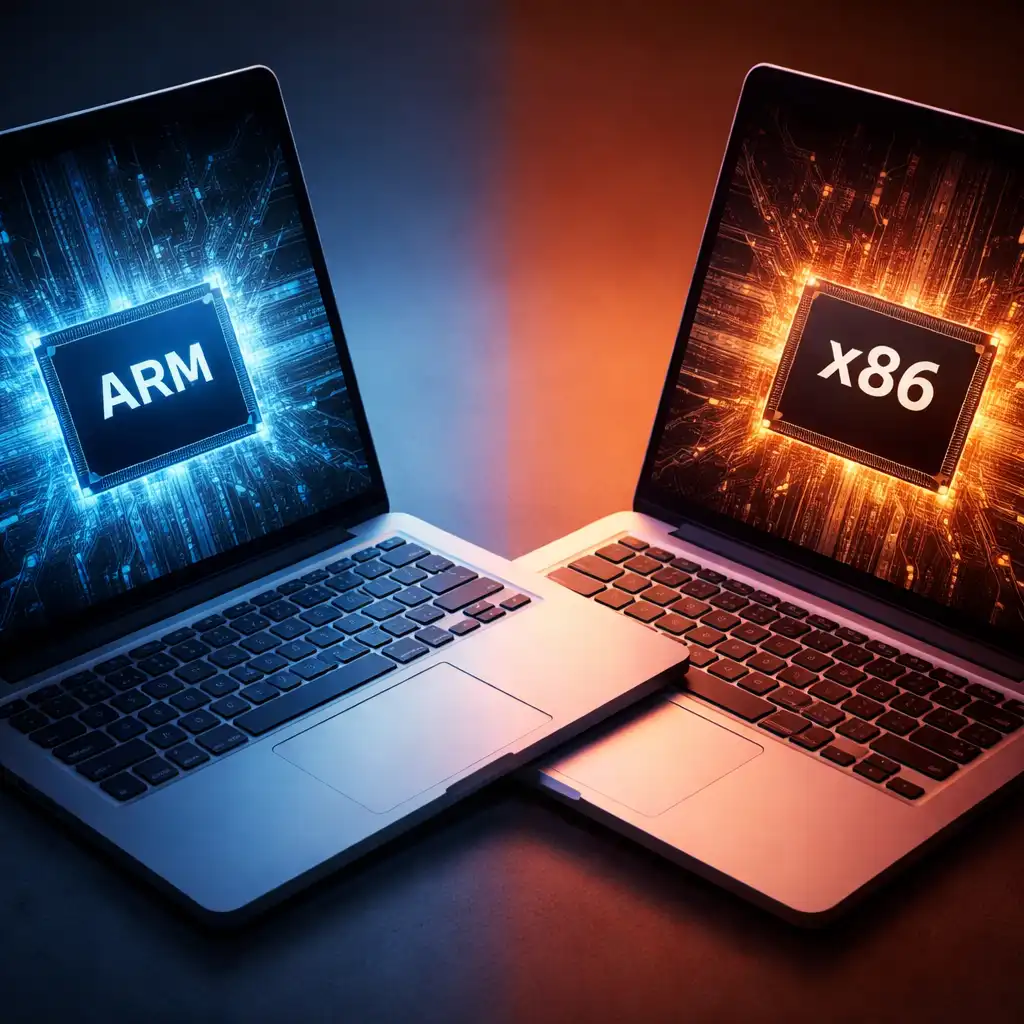
🔍 ARM vs x86 Laptop Processors
Most traditional Windows laptops have historically used x86 processors from Intel and AMD, while ARM-based laptops use a different instruction-set architecture.
The distinction can affect software compatibility, efficiency, and how applications are executed.
Our ARM vs x86 Laptops comparison explains these differences in more detail.
🔍 Snapdragon Laptop Processors
Qualcomm Snapdragon processors bring ARM-based computing to a growing range of Windows laptops.
If you’re comparing Snapdragon with traditional x86 options, start with Snapdragon Processor vs Intel and Snapdragon vs AMD Laptops.
You can also explore Is Snapdragon Better Than Intel? for a use-case-focused comparison.
For a closer look at everyday capabilities, see our Snapdragon Laptop Performance guide.
🔍 Apple Silicon vs Snapdragon
Apple Silicon and Qualcomm Snapdragon processors are both based on ARM architecture, but they operate within very different hardware and software ecosystems.
Our Apple Silicon vs Snapdragon comparison covers their major platform differences and intended use cases.
🔍 What Is the Best Laptop Processor?
There isn’t one processor that is best for every laptop user. CPU requirements vary depending on whether the laptop is intended for web browsing, office applications, gaming, development, creative work, or other demanding tasks.
For processor selections organized around different needs, see Best Laptop Processor.
Gamers can narrow the comparison further with our Best Laptop Processor for Gaming guide.
🔍 How Much RAM Should You Pair With a Laptop Processor?
CPU performance is only one part of the system. Insufficient memory can limit multitasking even when the laptop has a capable processor.
For mainstream configurations, see 8GB RAM vs 16GB RAM Laptop. For heavier multitasking and professional workloads, our 16GB RAM vs 32GB RAM Laptop comparison provides additional guidance.
🔍 Can You Change a Laptop CPU?
In most modern laptops, the processor is soldered directly to the motherboard and isn’t designed as a user-replaceable component.
Some older or specialized laptops may use socketed processors, but compatibility involves more than finding a CPU that physically fits. Motherboard support, BIOS compatibility, power requirements, and cooling capacity can all matter.
See Can You Change a Laptop CPU? for a detailed explanation of laptop CPU upgradeability.
🔍 Choosing a Laptop Processor by Use Case
For everyday web browsing, streaming, office applications, and light multitasking, a mainstream modern processor can generally provide sufficient performance.
Gaming and demanding creative applications may benefit from stronger CPU performance, additional cores, and higher sustained power limits. Battery-focused ultraportable laptops may instead prioritize processor efficiency.
Rather than comparing processors by a single specification, consider CPU generation, architecture, core configuration, integrated graphics, power characteristics, and the applications you actually plan to run.
🟢 FAQs
What is a laptop processor?
A laptop processor is the CPU responsible for executing instructions and calculations required by the operating system and applications.
Is Intel or AMD better for laptops?
Neither manufacturer is universally better. Performance, efficiency, graphics capabilities, and features vary between specific Intel and AMD processor models and laptop implementations.
How many CPU cores does a laptop need?
The appropriate number depends on workload. Everyday computing generally has lower requirements than gaming, rendering, development, video editing, and other heavily threaded applications.
Does a higher GHz mean a faster laptop?
Not necessarily. Clock speed is only one performance factor, and GHz figures shouldn’t be used alone to compare CPUs with different architectures or generations.
Are Snapdragon laptop processors good?
Snapdragon processors are designed to combine Windows computing with ARM-based efficiency. Suitability depends on the specific laptop, workload, and software compatibility requirements.
Can a laptop processor be upgraded?
Usually not. Most modern laptop CPUs are soldered to the motherboard, although some older and specialized systems may use replaceable processors.
✅ Conclusion
Laptop processor performance depends on much more than a brand name or GHz figure. Architecture, CPU generation, core configuration, efficiency, cooling, memory, and the workload all contribute to how a laptop performs.
Use this hub as the starting point for LaptopVoyager’s processor guides, and move into the individual comparisons when you need more detailed information about a particular CPU platform or buying decision.